

Quick answer: Well-formatted LinkedIn posts help architects and interior designers get their project stories read. Start with a specific first line, use short paragraphs and line breaks, highlight key points with bold text or simple lists, pair the post with strong project imagery, and finish with a clear takeaway. Keep within LinkedIn’s 3,000-character limit.
Why does formatting matter on LinkedIn for design professionals?
Formatting matters because most people read LinkedIn on a phone, and dense paragraphs get skipped. Architects and interior designers often have rich stories to tell about a project, but if the post looks like a wall of text, the story never lands.
Good formatting makes your thinking scannable. A decision-maker can glance at the first lines and the highlighted points and decide whether to read further. That respect for the reader’s time is part of your professional brand.
What makes a strong first line?
A strong first line is specific and creates curiosity about a real design problem. “We had 18 days to turn a bare-shell office into a client-ready workspace” is more compelling than “Excited to share our latest project”.
LinkedIn shows only the first couple of lines before a “see more” link, so the opening has to earn the click. Lead with the challenge, a surprising decision or a useful insight, and save the project name and credits for later in the post.
How should architects structure a project post?
Architects should structure a project post as a short story: the brief, the constraint, the design response and the result. This simple arc works for residences, workplaces, hospitality and retail projects alike.
- Hook: the challenge or insight in one line
- Context: client, site and brief in two or three short lines
- Decision: the key design move and why it was made
- Result: what changed for the client or users
- Credits: team, collaborators and photographer
- Close: a question or takeaway for readers
How can you add bold text and lists to LinkedIn posts?
You can add bold or italic text to LinkedIn posts by using a formatting tool, because LinkedIn’s standard post composer does not include native bold styling. These tools convert your text into Unicode characters that display as bold or italic.
ONEDIGITAL’s free LinkedIn formatter lets you write, format and preview a post before copying it into LinkedIn. Use bold sparingly, for a few key phrases or section labels, because heavy use reduces readability and some screen readers handle Unicode styling poorly.
How long should a LinkedIn post be?
A LinkedIn post should be as long as needed to tell one idea well, up to the 3,000-character limit. Announcements can be a few lines, while project stories often run to several short paragraphs.
If a story needs more space, publish the full case study on your website and share a concise LinkedIn version that links to it. This also strengthens your website’s own search and AI visibility, which ONEDIGITAL’s content and editorial team recommends for most practices.
What images work best with LinkedIn posts for designers?
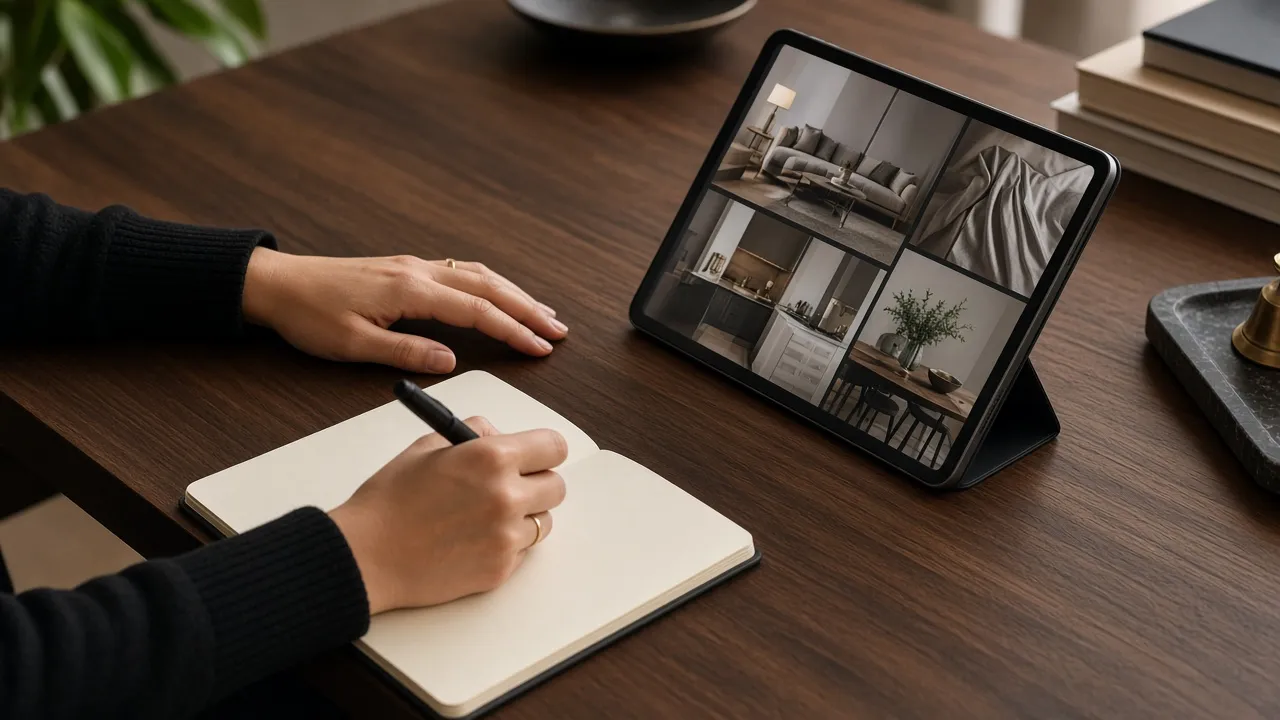
Images that work best are professional project photographs with a clear focal point, carousels that show a sequence of spaces and before-and-after comparisons. Images should be well-lit, straight and free of heavy filters.
Carousels uploaded as documents allow you to walk readers through a project slide by slide, with short captions on each. Short project videos also perform well when they are edited tightly for mobile viewing.
How do formatting choices compare?
Formatting choices differ in readability and the impression they create. The table below compares common options so you can choose what suits each post.
| Format | Readability | Best use | Risk |
|---|---|---|---|
| Short paragraphs + line breaks | High | All posts | Few |
| Bold key phrases (via formatter) | High if sparing | Section labels, key results | Overuse looks spammy |
| Bulleted or numbered lists | High | Steps, lessons, specs | Can feel list-heavy |
| Emojis as bullets | Medium | Casual updates | Can look unprofessional |
| Single long paragraph | Low | Rarely suitable | Gets skipped on mobile |
What should architects avoid when formatting posts?
Architects should avoid excessive emojis, long hashtag lists, all-caps headlines and walls of bold text. These can make a serious practice look less professional and can distract from the work itself.
Also avoid tagging large numbers of people who were not involved, and avoid external links in every post. Tag collaborators genuinely connected to the project and credit photographers properly.
What does a well-formatted architect post look like?
A well-formatted architect post looks like a short, scannable story. It opens with a single specific line, such as a constraint that shaped the design, follows with two or three short paragraphs of context, highlights one key decision in bold, and closes with credits and a question for readers.
For example, a post about a hillside residence might open with the challenge of a steep slope, explain how the plan was stepped to follow the contours, highlight the decision to keep existing trees, and end by asking other architects how they handle similar sites. Paired with a carousel of four or five photographs, this format gives both the casual scroller and the interested reader something useful.
Keep a swipe file of posts from respected practices and note which structures make you stop and read. Over time, your studio will develop its own recognisable format, which becomes part of the practice’s brand voice.
Can a template speed up LinkedIn posting?
A template can speed up LinkedIn posting by giving your team a consistent structure to fill in after each project milestone. It ensures every post has a hook, context, decision, result and credits.
Create two or three templates for project stories, design insights and team news. Store them alongside brand guidelines so anyone in the studio can draft a post that sounds like the practice. ONEDIGITAL often builds these as part of a social media management engagement, and its founder LinkedIn guide covers what to post.
How do you know if your formatting is working?
You know your formatting is working when more people expand your posts, read through and comment meaningfully. Compare posts with similar topics but different formatting to see which structures your audience responds to.
Look at comments from architects, developers and clients rather than total reactions. Thoughtful replies and direct messages are the best signs that a post has been read and understood.
Key takeaways
- Most LinkedIn reading happens on mobile, so format for scanning.
- Open with a specific design challenge or insight.
- Use a brief-constraint-response-result story structure.
- Use bold sparingly via a formatting tool.
- Link long case studies to your website.
Frequently asked questions
Can you use bold text in LinkedIn posts?
Not natively in standard posts. Formatting tools such as ONEDIGITAL’s free LinkedIn formatter convert text to bold Unicode characters that you can paste in.
What is the maximum length of a LinkedIn post?
LinkedIn Help states that posts can contain up to 3,000 characters.
Do line breaks help LinkedIn posts?
Yes. Short paragraphs separated by line breaks make posts much easier to read on mobile.
Should architects use hashtags on LinkedIn?
A few relevant hashtags are fine, but clear writing and strong imagery matter far more than hashtag volume.
Is the ONEDIGITAL LinkedIn formatter free?
Yes. The LinkedIn formatter on onedigital.co.in is a free tool.
Sources
Want help applying this to your brand? Talk to the ONEDIGITAL team in Mumbai, Delhi, Gurugram, Bangalore or Dubai.